setting-up-the-apache-web-server
1 Installing Apache and PHP
- Update the package list on the Ubuntu server to ensure you get the latest versions of the software.
sudo apt update - Install Apache and PHP along with the necessary modules (libapache2-mod-php for integrating PHP with Apache and php-mysql to allow PHP to interact with MySQL).
sudo apt install apache2 -y sudo apt install php libapache2-mod-php php-mysql -y - Verify Apache installation by checking the status of the Apache service:
sudo systemctl status apache2
This should show that Apache is running. You can also test Apache by opening a web browser and navigating to the server’s IP address. If Apache is working, you should see the default Apache page.
2 Deploying the PHP Web Application
Now that Apache is installed, we need to deploy the PHP-based to-do list application to the web server.
- On your local machine, use SCP (Secure Copy Protocol) to copy the application’s directory to the web server. The -r flag ensures that all files and directories within the project folder are copied.
scp -r ToPHP/* sibou@192.168.85.141:/home/sibou/ToPHP
ToPHP/* specifies the files to be transferred.
sibou@192.168.85.141:/home/sibou/ToPHP is the remote server’s user and destination directory.
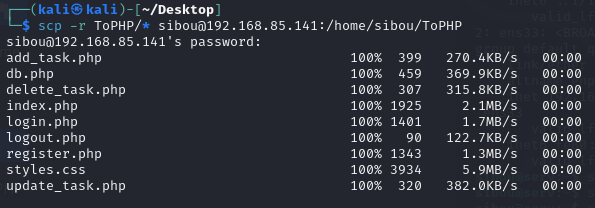
- SSH into the remote server to move the application files to the correct directory for Apache to serve:
ssh sibou@192.168.85.141
sudo mv /home/sibou/ToPHP /var/www/html/
/var/www/html/ is the default document root directory for Apache.
- Set correct file permissions for Apache to access the web application files. Apache runs as the www-data user, so we change ownership of the files to www-data and set the appropriate read/write permissions.
sudo chown -R www-data:www-data /var/www/html/ToPHP
sudo chmod -R 755 /var/www/html/ToPHP
chown -R www-data:www-data gives ownership of the files to the www-data user and group (which Apache uses).
chmod -R 755 ensures that files are readable and executable by the owner and others.
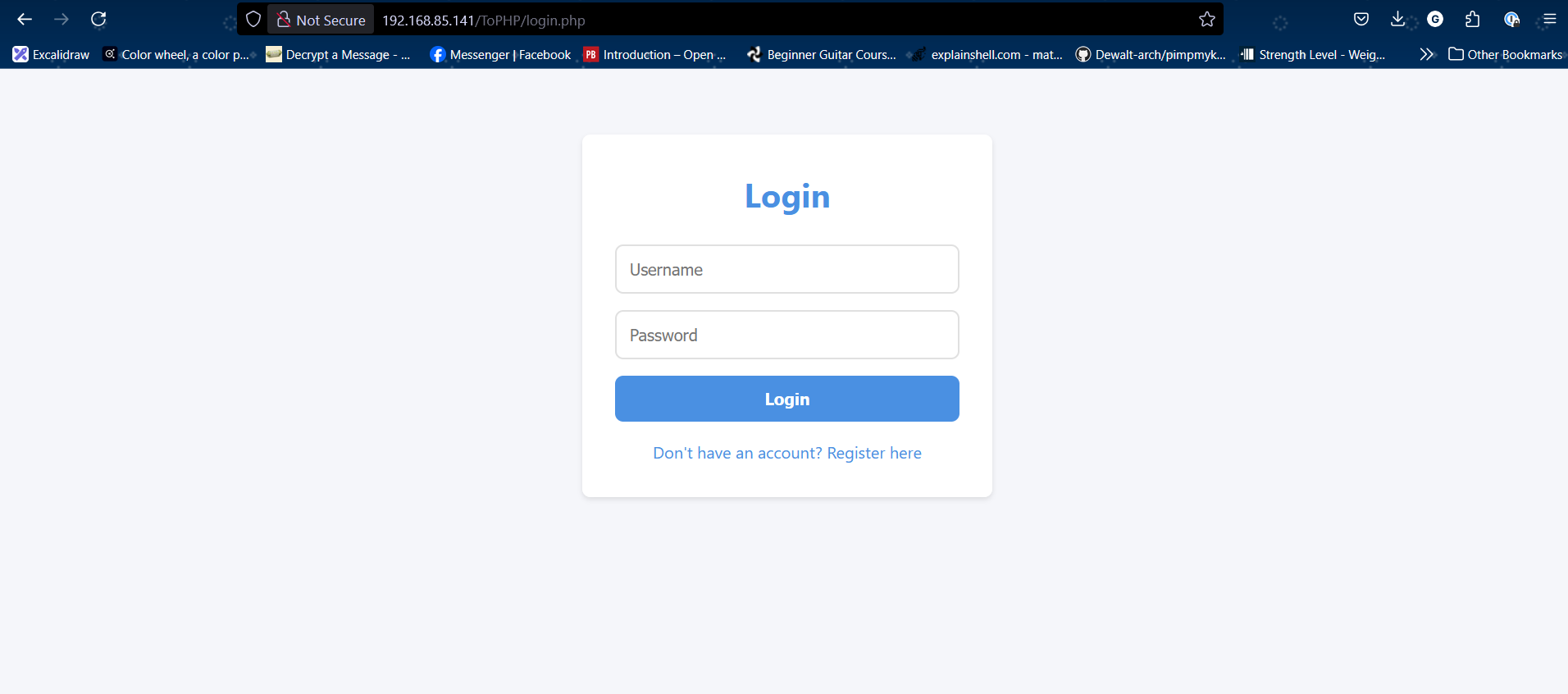
- Verify the deployment by visiting the web server’s IP address in a browser (e.g., http://192.168.85.141/ToPHP). The application should now be live and accessible.